


📝 Introduction: Why Choosing the Wrong OS Can Drain 25% of Your VPS Performance
Let’s be honest: in 2026, if you’re still blindly picking a server OS based on trends, you’re wasting at least 25% of your VPS performance. Having benchmarked over 200 mainstream VPS providers and written countless testing scripts, I can tell you this: we don’t care about nostalgia. We only care about stability, kernel freshness, and extreme resource efficiency.
In this guide, we’ll use real-world benchmark data to strip away the marketing hype around Debian, Ubuntu, AlmaLinux, and the long-obsolete CentOS, showing you exactly which OS fits your specific workload.
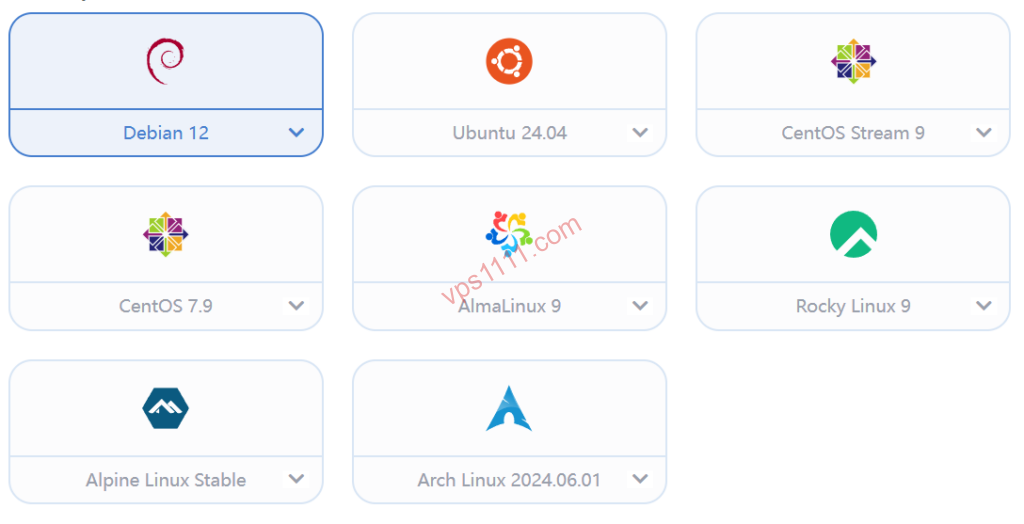
🛡️ 1. Debian: The “Stability Champion” and “RAM Savior” of the VPS World
If you’re running an idle server with extreme low-end specs like 512MB or even 256MB of RAM, or managing a budget NAT VPS, don’t hesitate: Debian 12/13 is your only logical choice.
- Extreme Lightweight Footprint: A clean Debian installation typically consumes less than 100MB of RAM out of the box. On low-memory instances, those saved megabytes are often the difference between successfully running WordPress or hitting an OOM crash.
- Absolute Stability: While its package repository isn’t always the bleeding edge, every package is rigorously tested. For web hosting professionals who refuse to reboot their servers monthly, Debian is synonymous with rock-solid stability.
- Developer Standard: “Minimalist” is its native DNA. In the VPS ecosystem, Debian consistently offers the highest compatibility with one-click deployment scripts, network diagnostics, and media access testing tools.
🚀 2. Ubuntu: The “All-Rounder” and “Ecosystem Leader” for Developers
In 2026, if you’re deploying Docker containers, experimenting with local AI models, or running the latest backend frameworks (like Node.js or Python), Ubuntu 24.04 LTS is the undisputed standard.
- Unmatched Ecosystem: Nearly every open-source project and commercial software documentation prioritizes Ubuntu installation guides. When you hit an error, the top Stack Overflow result will almost certainly be Ubuntu-based, solving your issue in seconds.
- Bleeding-Edge Kernel (Key Advantage): Unlike Debian’s conservative approach, Ubuntu ships with newer Linux kernels by default. This is highly beneficial for enabling BBRv3 congestion control algorithms or supporting the latest NIC drivers for network optimization.
- Performance Trade-off: It’s the heaviest of the four distributions (higher baseline RAM usage). Advanced users strongly recommend manually removing
Snapdand other bundled services post-installation to reclaim dozens of megabytes of valuable memory.
☠️ 3. CentOS: A Forced End to a “Blue Legend” (Avoid Completely)
Stop installing it on idle servers! If you encounter outdated tutorials in 2026 still recommending CentOS 7 or 8, close that tab immediately.
- Critical Security Risks: CentOS 7 has long passed its official End-of-Life (EOL). Running it today is equivalent to leaving your server completely exposed to modern exploits.
- Broken Dependencies & Compilation Hell: Most modern software repositories have dropped support for legacy CentOS. Forcing a manual compile will inevitably trap you in endless C++ dependency conflicts.
💼 4. AlmaLinux / Rocky Linux: The True Successors to CentOS
When CentOS pivoted to the aggressive Stream release model, enterprise users panicked. Today, AlmaLinux and Rocky Linux have emerged as the most stable, 1:1 binary-compatible replacements for RHEL (Red Hat Enterprise Linux).
- Enterprise-Grade Heritage: They perfectly inherit CentOS’s rock-solid stability and enterprise security features. By 2026, they have become the default OS images for top-tier providers like BandwagonHost and SpartanHost.
- Seamless Migration: Veteran sysadmins accustomed to
yum/dnfpackage management can switch over with zero learning curve. They are exceptionally well-suited for hosting high-concurrency backend databases.
📊 vps1111 Exclusive: 2026 Linux Distro Benchmark Comparison
The table below is based on our real-world testing using clean images on a 1-core/512MB KVM VPS:
🔥 2026 OS Selection Gold Standard (vps1111 Benchmarks) Expert Recommendations
| Technical Metric | Debian 12 | Ubuntu 24.04 | AlmaLinux 9 | CentOS (Legacy) |
|---|---|---|---|---|
| Baseline RAM Usage | ~82MB (Excellent) | ~176MB (Average) | ~148MB (Moderate) | N/A (Deprecated) |
| Kernel Freshness | Conservative & Stable | Very New (BBR Ready) | Stable Updates | Completely Stalled |
| Recommended Use Case | Low RAM / Optimized Web Hosting | Docker / AI / Development | Enterprise Backend / Databases | Migrate Immediately |
🎯 5. 2026 Scenario-Based Selection Guide (Quick Reference)
Scenario A: Lightweight WordPress Blog / E-commerce Site / Edge Node
- Highly Recommended: Debian 12
- Architect’s Take: Delivers peak efficiency on low-memory VPS instances. When your traffic routes over premium Tier-1 networks like Arelion (AS1299) or Lumen (AS3356), minimizing baseline OS overhead leaves more headroom for sudden web traffic spikes.
Scenario B: Docker Container Clusters / Advanced Dev & Test Environments
- Highly Recommended: Ubuntu 24.04 LTS
- Architect’s Take: Unrivaled package ecosystem. Deploying the latest Docker Engine, Nginx Proxy Manager, or other modern tools virtually eliminates cryptic dependency errors.
💡 vps1111 Pro Tips & Best Practices:
- BBR Optimization (Critical): Regardless of your chosen OS, your first post-install step should be enabling the BBR congestion control algorithm. On high-latency intercontinental links, kernel-level packet scheduling directly dictates your maximum throughput.
- Architecture Constraints: If you’re on a heavily discounted LXC/OpenVZ container, OS changes are restricted to the provider’s pre-built templates. You won’t have the freedom to perform a clean network reinstall (DD script) like you would on KVM.
- Overall Rating: ⭐⭐⭐⭐⭐ (Debian 12 remains the undisputed favorite for web hosting professionals)
🙋♂️ 6. In-Depth FAQ: Solving Your OS Dilemma
Which is better for absolute Linux beginners: Debian or Ubuntu?
Answer: Ubuntu is unequivocally the best starting point for beginners. Its community knowledge base (like AskUbuntu) is incredibly comprehensive. Most one-click installation scripts you’ll find online (for monitoring agents, control panels, etc.) are primarily developed and tested on Ubuntu, minimizing the chance of errors.
What modern OS can I actually run on an ultra-low-spec 256MB or 512MB VPS?
Answer: Debian is your only viable option. We strongly recommend installing the Debian 11/12 Minimal version from your provider’s dashboard. To prevent crashes, you must configure at least a 1GB SWAP partition to buffer against physical memory exhaustion and OOM triggers.
Between AlmaLinux and Rocky Linux in 2026, which is the better choice?
Answer: At the core code level, both are virtually identical as RHEL clones. However, based on industry adoption, AlmaLinux enjoys slightly broader pre-installed image support across major cloud providers (like BandwagonHost and Vultr), backed by dedicated corporate funding. We recommend prioritizing AlmaLinux.
Can LXC / OpenVZ VPS instances freely reinstall Linux OSes like KVM can?
Answer: This is a major trap for newcomers. LXC/OpenVZ uses “container-level virtualization,” meaning it shares the host machine’s kernel. Consequently, you are typically limited to reinstalling only the pre-packaged templates provided by your host. You absolutely cannot use network reinstall scripts (DD scripts) to flash a native clean OS like you can on KVM. We strongly advise purchasing KVM architecture for full control.